Connect
Any server. Any device.
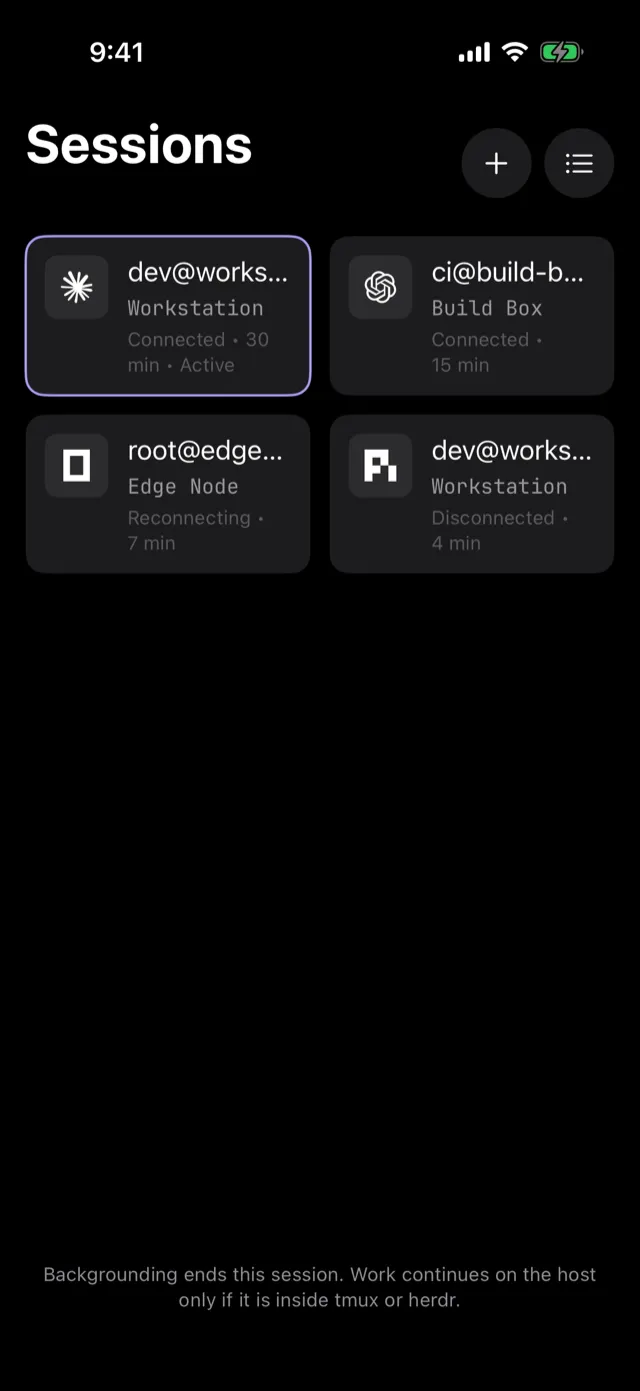
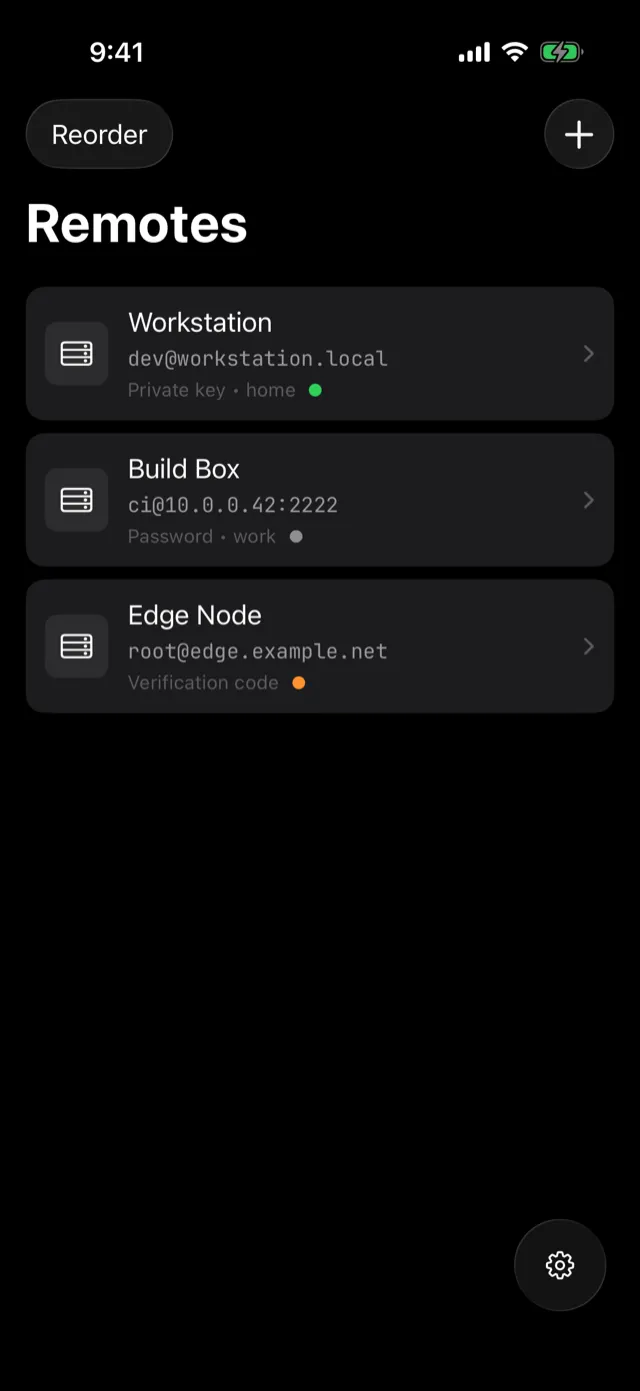
Hosts with live reachability, key import, and credentials in the iOS Keychain behind Face ID.
A free, open-source terminal for iPhone and iPad.
Swipe through what AnySSH does.
Hosts with live reachability, key import, and credentials in the iOS Keychain behind Face ID.
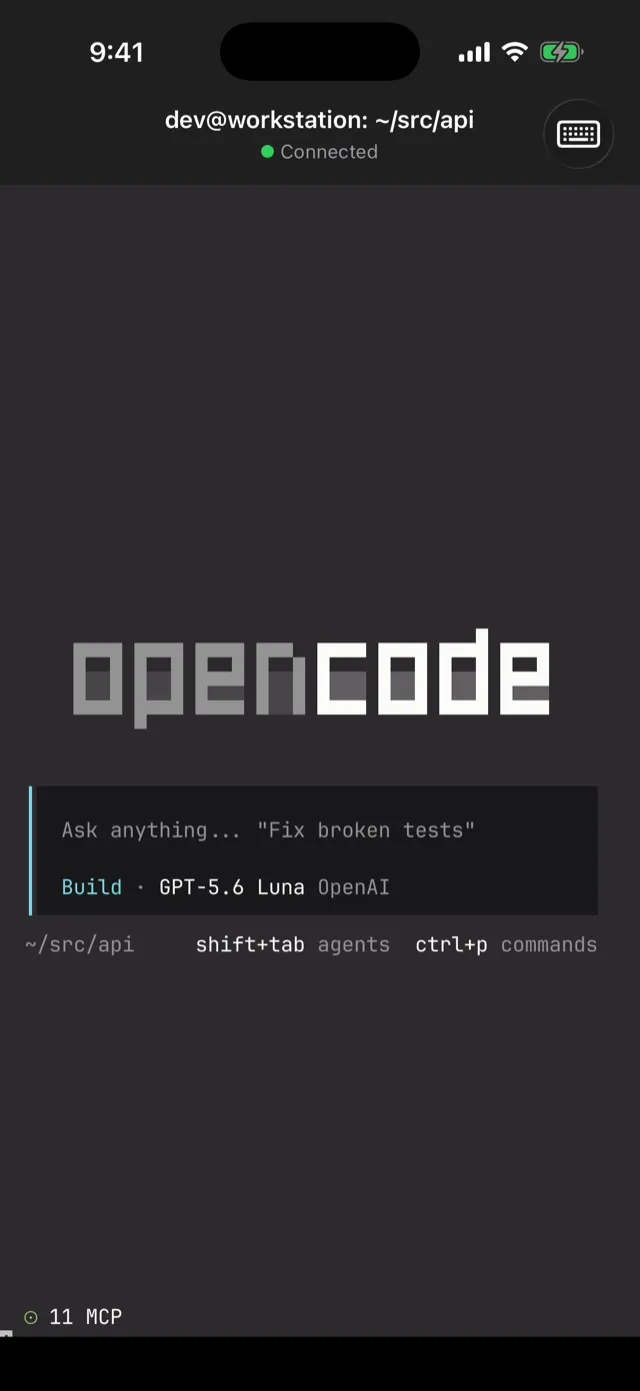
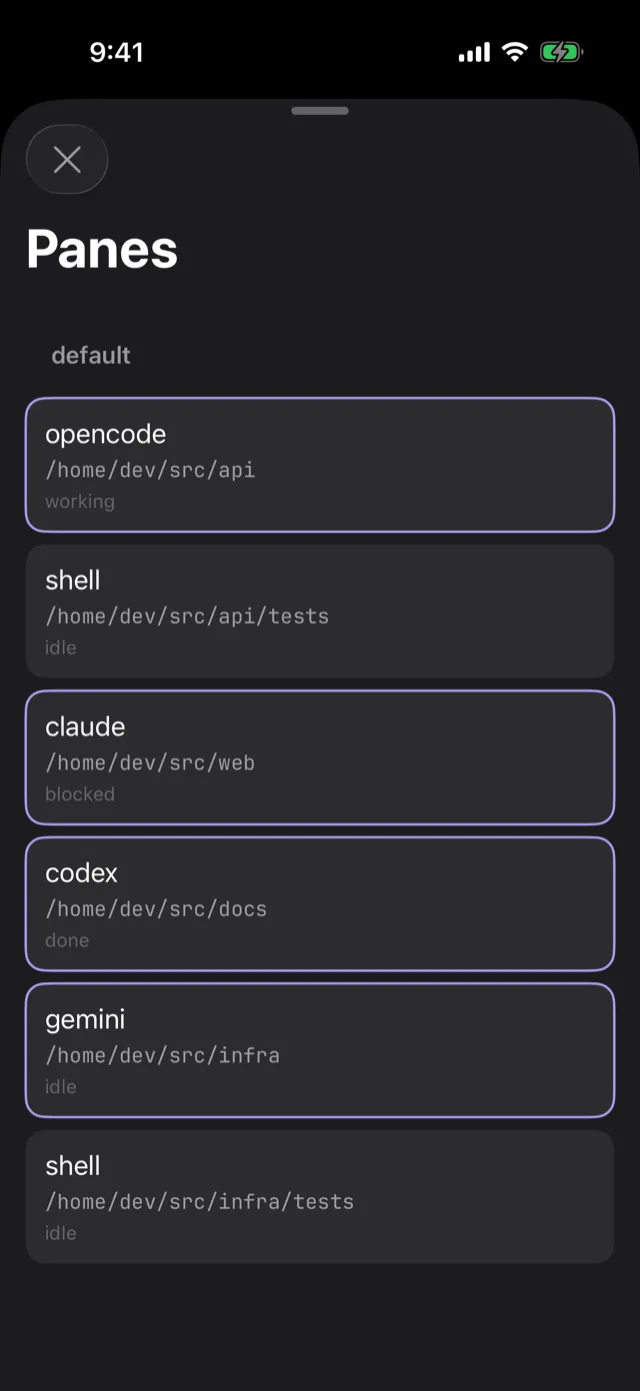
Start OpenCode, Claude Code or Codex in any session. AnySSH detects which agent runs in every pane and badges it with its logo.
Attach, jump across sessions and panes, and see which agent is working and which one is waiting on you.
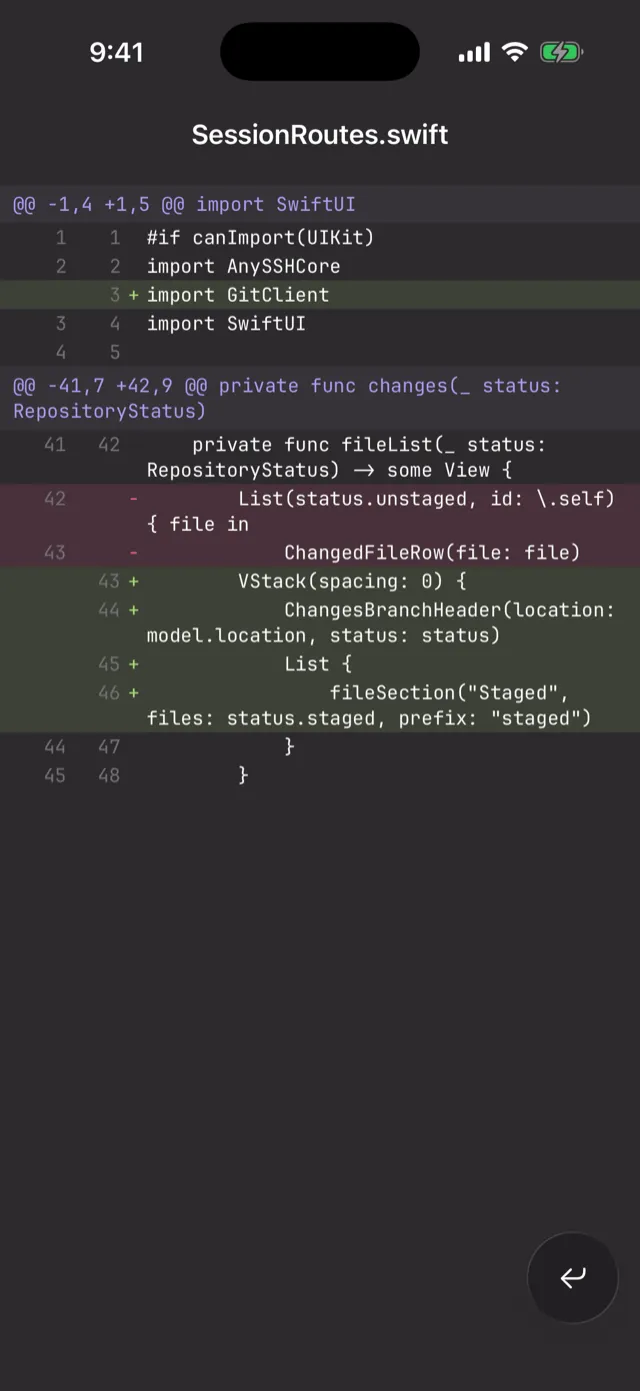
Status, per-file diffs and history, read straight from the host and rendered with syntax highlighting. Review what your agent just wrote before it ships.
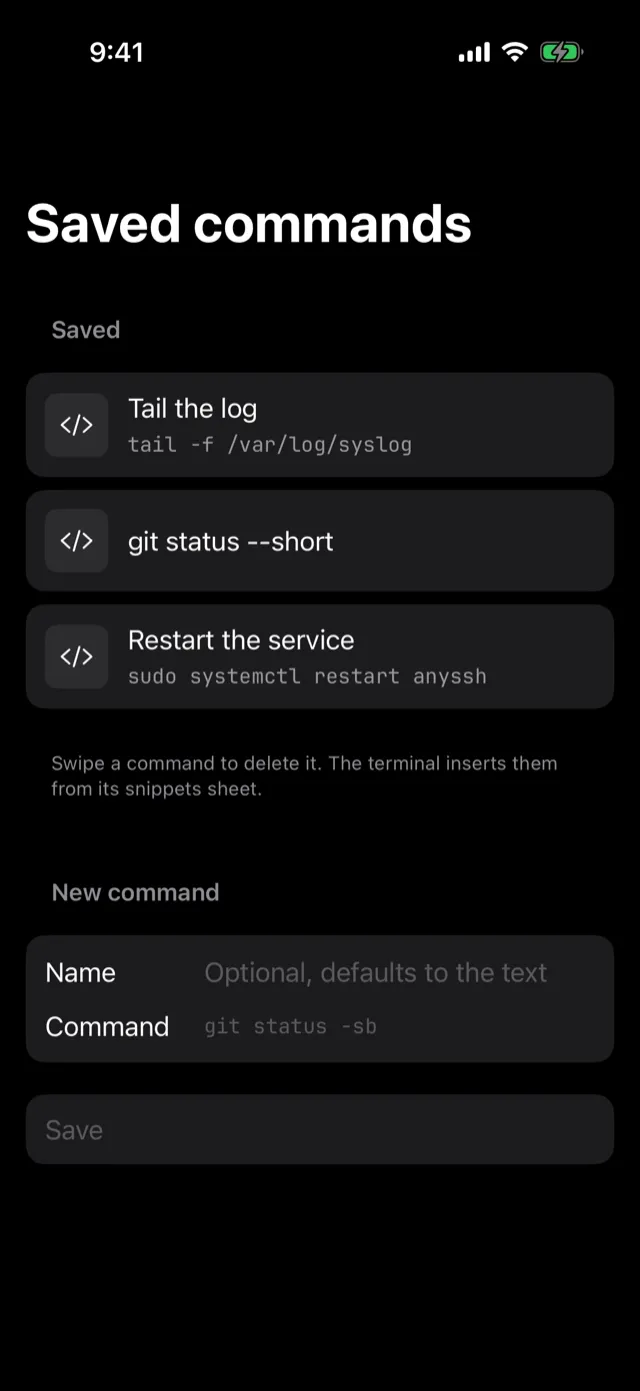
A saved-commands library, one tap away from the keyboard.
Tap the mic on the keyboard bar and speak. Recognition happens on your phone; the audio never leaves it.
Job-finish notifications plus a Live Activity in the Dynamic Island. No other iPhone SSH client does this.
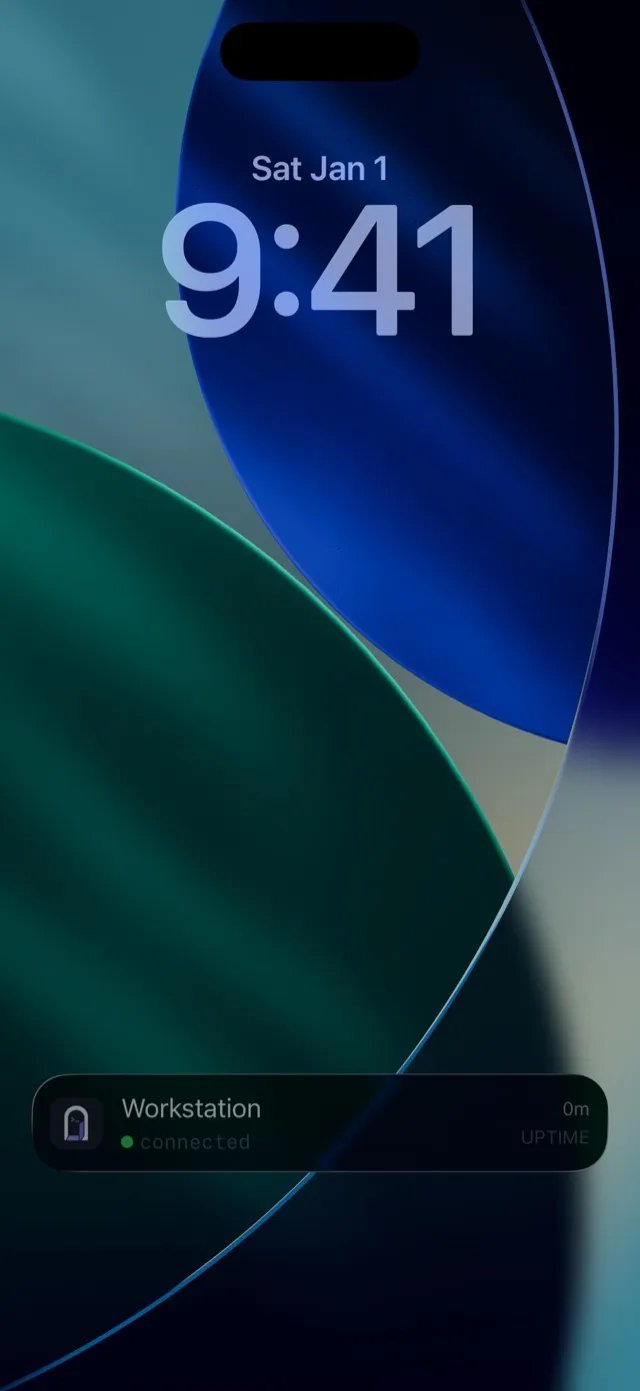
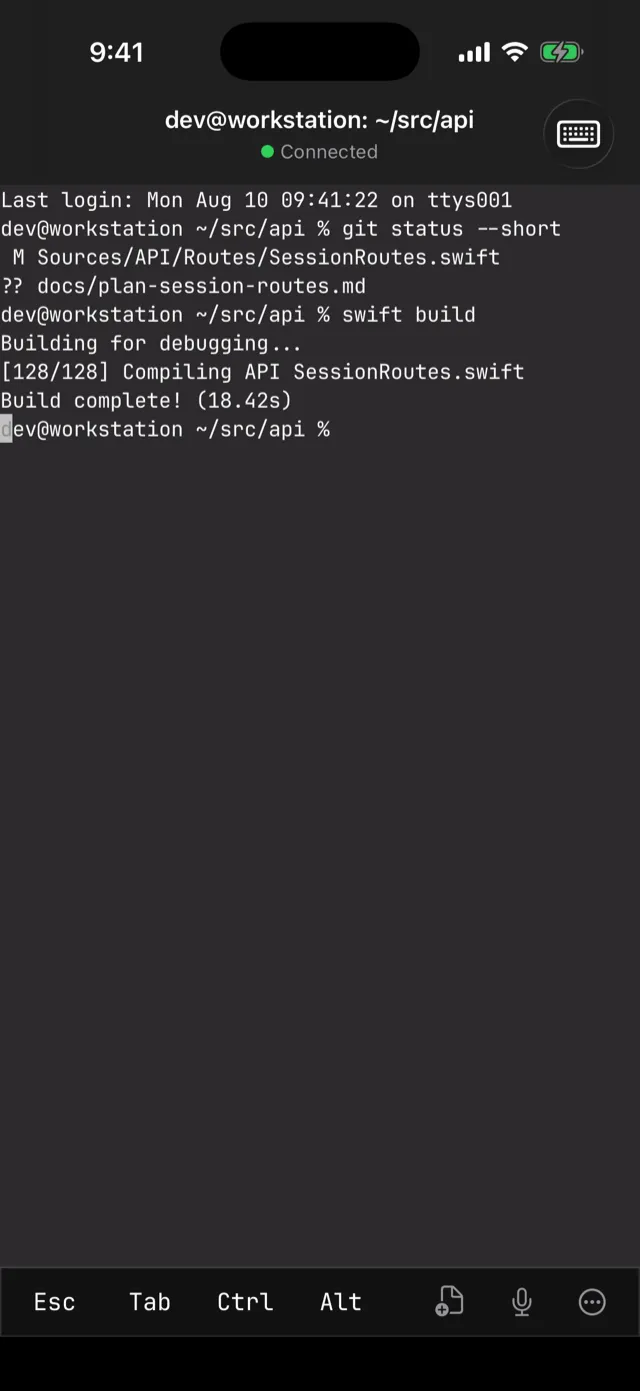
AnySSH watches your session for finished jobs. Lock your phone, pour a coffee. The Dynamic Island keeps the uptime, and a notification lands the second your build ends.
Universal app, one download. Full hardware keyboard support on both.
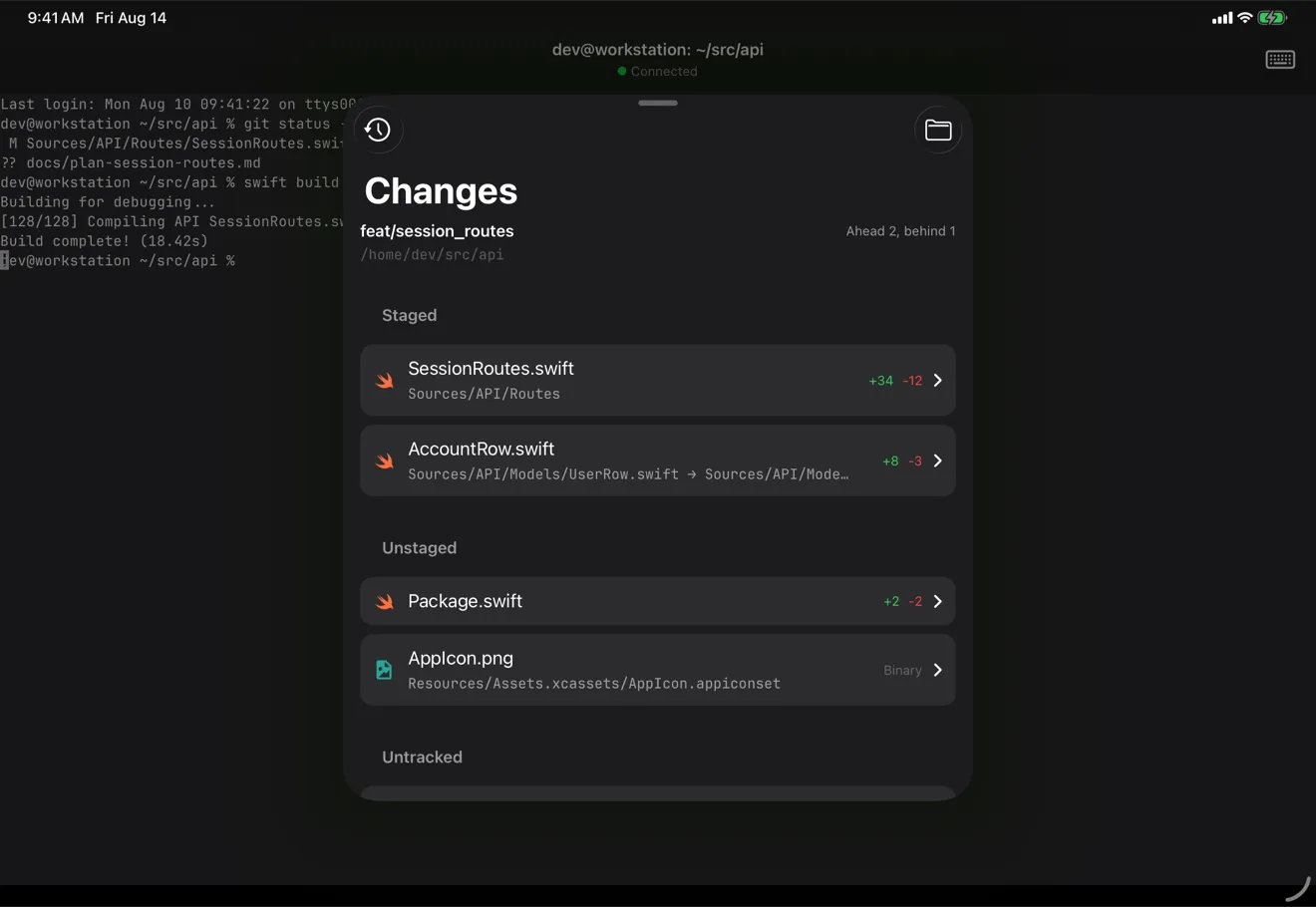
iOS 26 · iPadOS 26 · One universal download
If it speaks a TTY, it runs in AnySSH and gets recognized.
 Hermes
 OpenClawDeepSeekKimi
 GLM
GLM cmux>_anything with a TTY
MIT-licensed and developed in the open. An SSH client holds your private keys. That is exactly the software you should be able to audit.
No account, no relay, no analytics, no crash reporting. Keys live in the iOS Keychain behind Face ID. The only traffic is your own SSH.
No daemon, no hook, no wrapper. Every feature is ordinary commands over the SSH connection you opened.
Something else on your mind? Open an issue on GitHub. The maintainer reads all of them.
Add a host, choose password or key auth, then connect. AnySSH works with normal SSH servers, so you do not need to install anything on the server first.
iOS suspends backgrounded sockets after roughly 30 seconds. Reconnect is one tap, and if you use tmux or herdr, the session keeps running on the server.
Yes. AnySSH is a universal app for iPhone and iPad, with full hardware keyboard support, a command palette, gestures, and a customizable keyboard accessory bar.
AnySSH detects Claude Code, Codex, OpenCode, Pi, Grok Code, Antigravity, Gemini, Hermes, and OpenClaw, with logos for each. tmux and herdr are integrated, including topology, jump-to, and per-pane agent status with herdr.
Dictation is recognized on-device. If on-device recognition is not available, dictation refuses to run.
Private keys and passwords are stored in the iOS Keychain, on your device only. They sit behind Face ID or your device passcode.
None. AnySSH has zero telemetry, zero analytics, zero crash reporting, no backend server, and no relay.
Your server sees the same thing it would see from any SSH client: your SSH connection and the shell commands you run. AnySSH does not install an agent, daemon, or service on the server.
AnySSH warns you on first use and warns again if a host key changes. The transport uses libssh2 and OpenSSL pinned to a commit that includes the fix for CVE-2026-55200, with a hostile server as part of the threat model.
Your app data is removed from the device. AnySSH has no server-side account or cloud copy to keep.
Patricio built it to give back to the community and offer a real alternative for developing remotely. He also wants to keep growing inside the remote-development ecosystem.
AnySSH is MIT licensed. The public repo is github.com/patricio0312rev/anyssh.
Yes. Open an issue or pull request on GitHub if you find a bug, want to suggest a change, or want to improve the app.
Use the app, report clear bugs, share feedback, and contribute if you can. GitHub issues are the best place to keep that work visible.
There are no plans for a paid tier. AnySSH is free, with no account, no subscription, no in-app purchases, and no paid version.
Free, open source, on the App Store. Your servers are waiting.